Sign Up / Sign In
No installation is required. Image Annotation AI runs in your browser—you only need an account to get started. This page explains how to sign in if you already have an account, then how to sign up if you are new.
Sign in
If you already have an account:
- Open the Playground (or the main site).
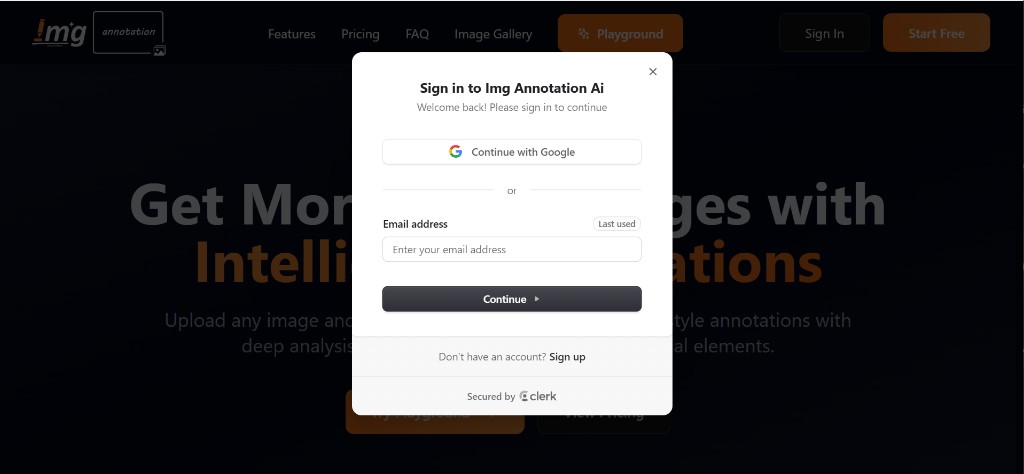
- When the sign-in modal appears, choose one of:
- Continue with Google — Sign in with your Google account.
- Email — Enter your email address and click Continue; complete any verification if prompted.
- Once signed in, you can use the Playground to upload images, run annotations, and manage your tasks.
Sign-in is secured by Clerk.
Sign up
If you don't have an account yet:
- In the sign-in modal, click Sign up at the bottom.
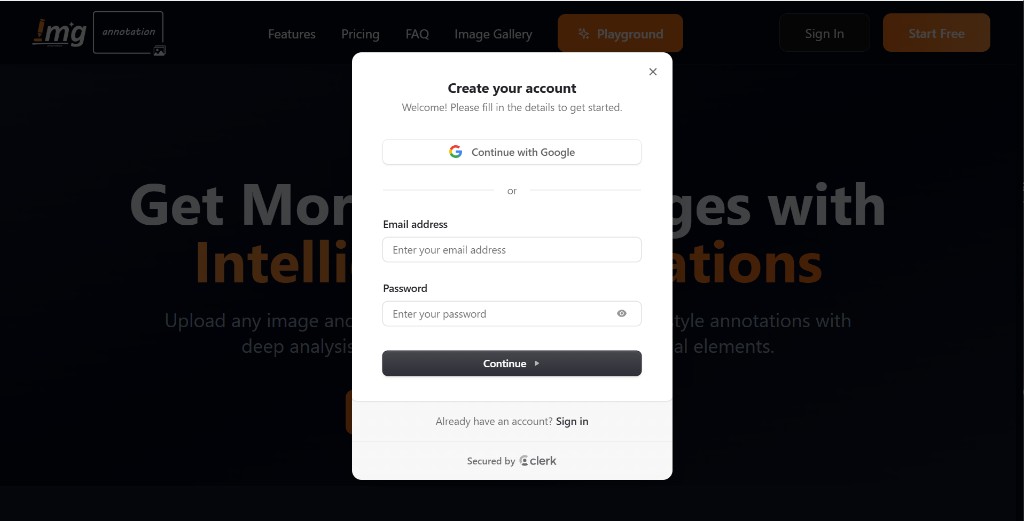
- The Create your account modal appears. You can sign up in two ways:
- Continue with Google — Use your Google account to create an account.
- Email and password — Enter your email address and a password, then click Continue. Complete any verification (e.g. verify your email) if required.
- Once your account is created, you're signed in and can use the Playground.
Sign-up is secured by Clerk.
Your account is tied to your email or Google account.
You can sign in from any supported browser.
There is nothing to install or download.
Next steps
- Quick Start — Upload an image, add a prompt, and get your first annotated result.
- Uploading Images — Supported formats and how to add images.